
Memorial Day
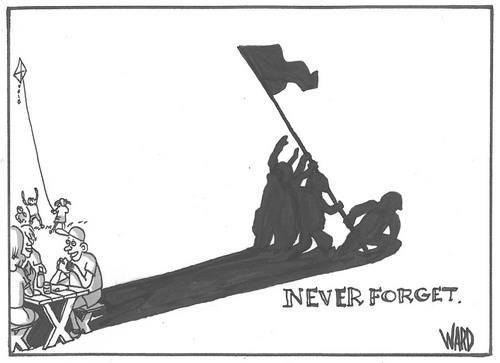
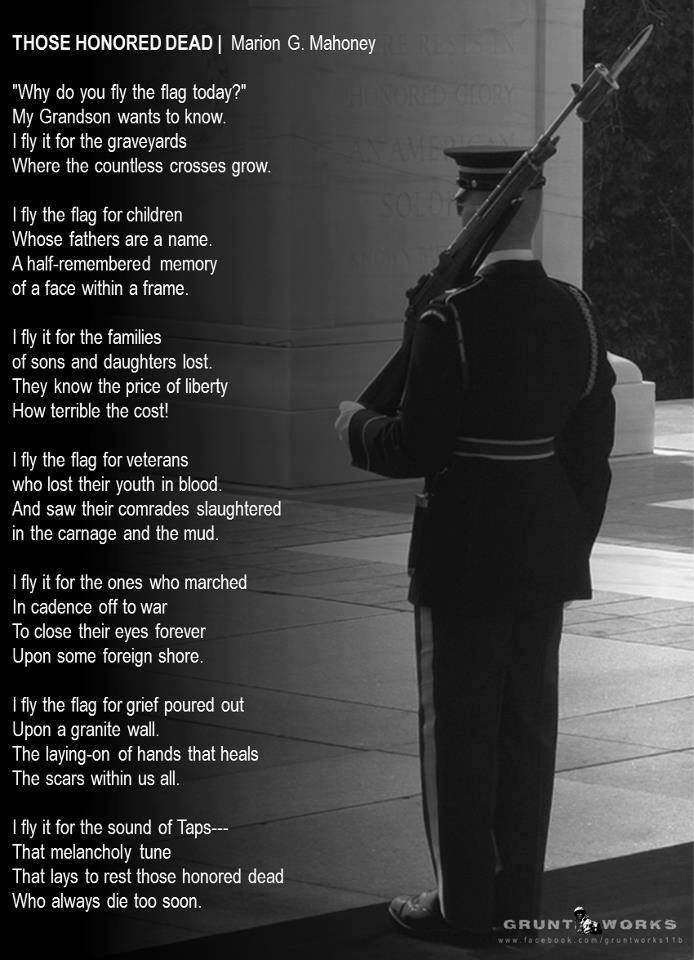
U.S. Memorial Day History and Information
Memorial Day and Memorial Day weekend
Up first is All about About This Mac. In Mountain Lion, About This Mac gets a BIG shot in the arm. Chris Breen discusses several additions; be sure to catch the video, too.
Ever have problems with updates and the Mac App Store? You’re not the only one… Chris Breen, and several commentors, have some very interesting solutions in Clearing up Mac App Store confusion.
Other items of interest today:
For the whole shooting match, PYBT: Macworld HELP DESK 05.24.2013
 Has makeuseof.com got a deal for you! Five iPhone Apps That Will Help You Communicate In A Foreign Language (presuming, of course, you use an iPhone):
…there are several iPhone foreign language apps that will help you translate simple phrases while you are exploring the globe. All of them are useful, but bear in mind that they are designed to help you communicate, not to help you learn the language.
 Di-No Computers, in Pasadena, hosts a rotating set of Mac classes on Tuesdays from 2:00p to 3:30p; and an iPad class on the first Monday of each month, also from 2:00p to 3:30p. These classes are all no-cost; feel free to contribute to the tip jar, though, if you feel so moved! The schedule for the next four weeks is as follows:
| 28 May 2013 | Mac Play | This class focuses on Garage Band |
| 3 June 2013 | iPad | This class will focus on the essentials of the iPad: gestures, settings, and using basic apps |
| 4 June 2013 | Intro to the Interface | This class is an introduction to the Mac |
| 11 June 2013 | Navigating the Interface | This class focuses mainly on organizing files and dealing with the Finder |
| 18 June 2013 | Mac Work | This class focuses on Numbers |
Call Jordan at Di-No for further details, including what you should bring with you, etc. To subscribe to Di-No’s class-schedule calendar, click here.
Di-No Computers
2817 E. Foothill Blvd.
Pasadena, CA 91107
(626) 795-6674
If not, you missed the fireworks!!
A rousing discussion was definitely had between the panel and audience on virus prevention, phishing, passwords, and related subjects. Got a lot of good information. Check out Apps & Traps for more good info.
Did you know that even members who live in the Midwest win drawing prizes? It’s a fact!
Coco’s is now open until 11:00 p.m., so the meeting-after-the-meeting attendees all got to bed late.
That’s my story; I’m sticking to it!
by Lynn Wegley, InfoManager, with coeditor Fred Showker
What’s Here:
01 UGNN Facebook Update: After a year, the craziness goes on
02 UGNN Maleware Report for 1305-20
03 Pixelmator 2.2
04 Eighty Best Free iPhone Apps – 2013
05 iCarMode
06 MAS AppDelete Lite 3.2.9
07 Cyber Security: More updates abound
08 Will Vittle for the iPad Finally Kill the Need for Text?
09 Photographer takes iPad users on a free motorcycle ride through Mexico
10 New PhotoBulk 1.5
11 iLuv Drawing Vehicles HD for iPad: Learn Secrets of Drawing Step-by-Step
12 The Art of Communication Continue reading
Tomorrow, at 2:00p, is the Mac Work class, focusing on Calendar (iCal), at Di-No Computers.
Di-No Computers
2817 E. Foothill Blvd.
Pasadena, CA 91107
(626) 795-6674
I’m a big fan of Apple’s Dictionary app, so I had to take a look at Five Dictionary tricks I can’t live without. The really cool tip was #4, Make Dictionary Talk. Which is your favorite?
Tomorrow, at 2:00p, is the Navigating the Interface class at Di-No Computers.
Di-No Computers
2817 E. Foothill Blvd.
Pasadena, CA 91107
(626) 795-6674
